TENVIA / 04 · Website Design & Development

A website that becomesa compelling brand gateway.

Corporate sites, campaign sites, and platforms built with clear content, responsive design, and manageable tools to support your goals.

Discuss Your Project
DESKTOP + MOBILE Brand Experience × Business Process × Technology

04 / EXPERIENCE

Plan content, design, and performance together.

Clear information architecture and manageable content make your website useful beyond the first visit.


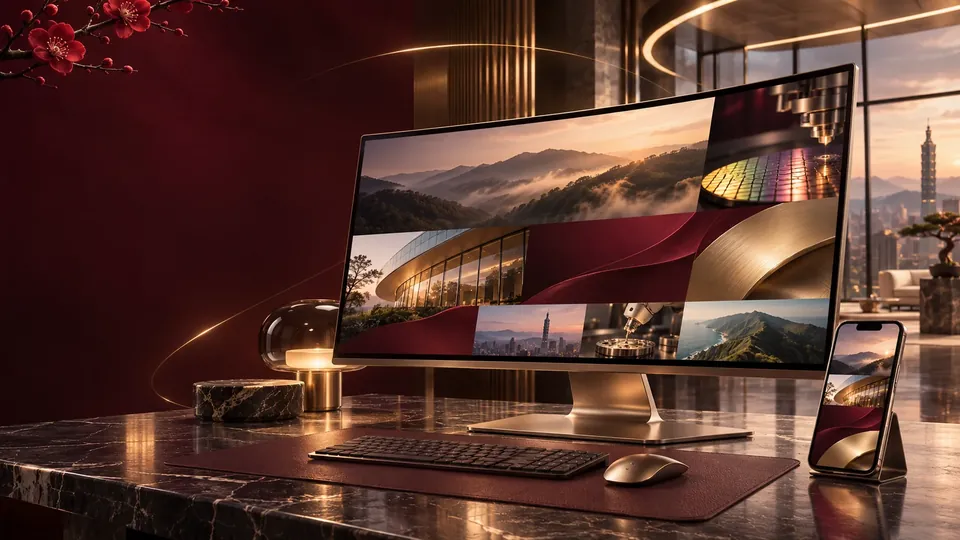
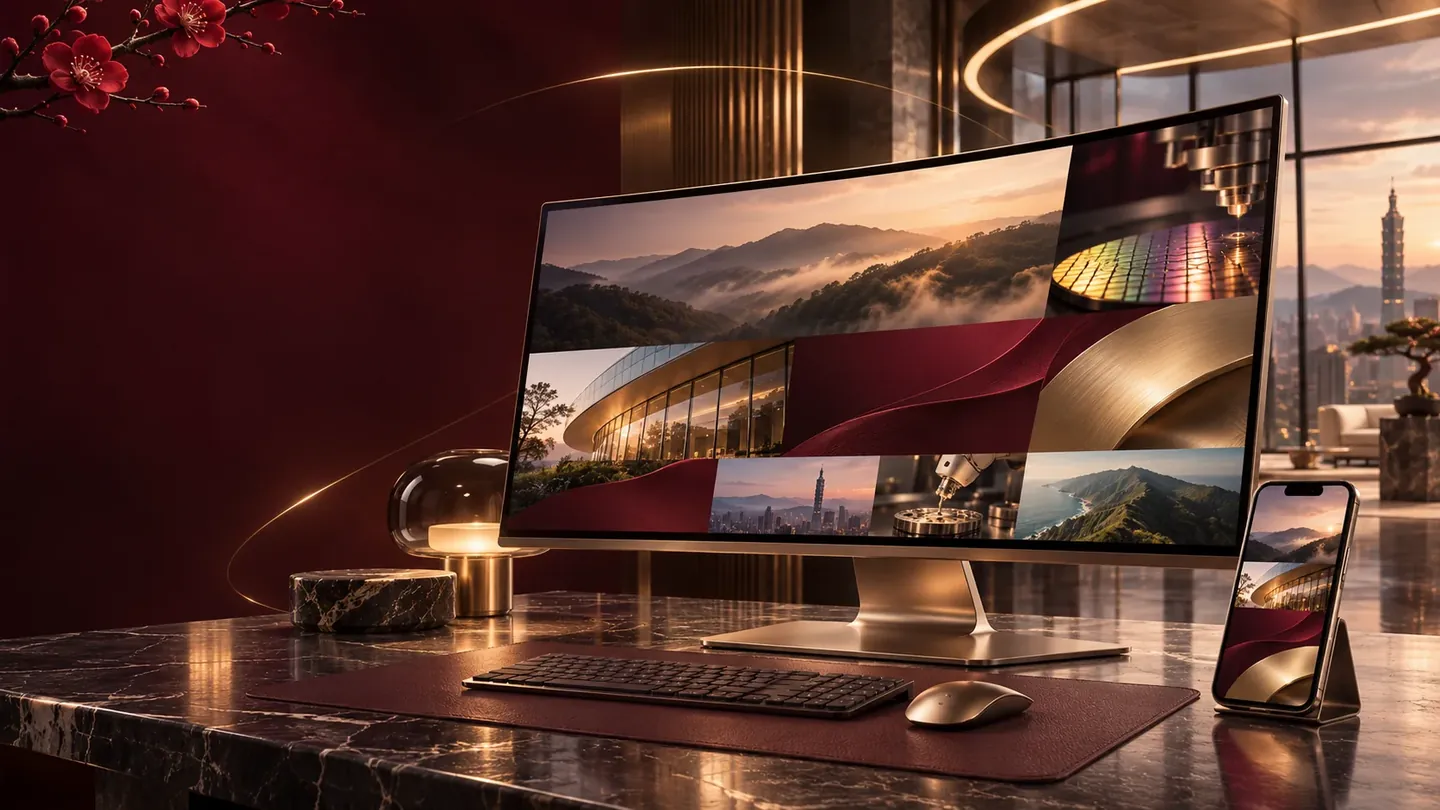
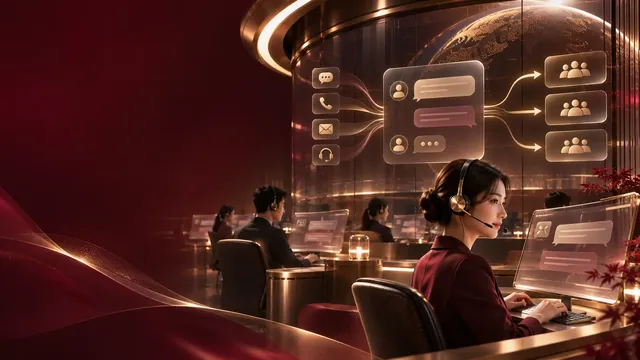
Design workspace with multiple website screens
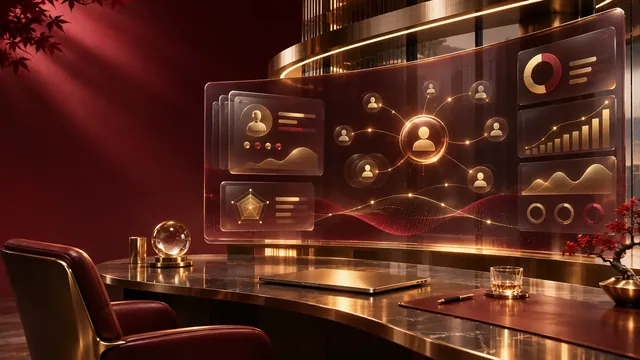
Every touchpoint shown in a real scenario

SERVICE / SOLUTION

Three priorities in the service plan.

01

Content architecture

Map goals, content, and user actions through real scenarios.
02

Desktop and mobile UX

Keep brand visuals, workflows, and systems consistent.
03

Search and content management

Turn deliverables into testable acceptance criteria.

FEATURED · SHOWREEL

Tenvia 15-second showreel

The whole film is computed live in your browser — there is no video file. Wordmark spring-in, shards into a matrix, counting figures, an interface building itself, a morph to phone, particles tracing the brand arc, kinetic type, then a collapse into the end card. Fifteen seconds, seamless loop.

Open on its own

FEATURED · LANDING PAGE FLY-OVER

14.5-second 3D fly-over of the homepage

One unbroken camera glides down the Tenvia homepage, rises overhead until the whole page is a single strip, then dives back and lands the hero as a card. Cards, photos, chips and the testimonial lift off the page and stand up toward the lens as the camera passes. Focus is thin in front and deep behind. The page is rebuilt as vectors rather than captured, so nothing shimmers.

Open on its own

WEBSITE / MOTION LIBRARY

Twelve website motion effects. Watch, then pick one.

Each tile is a 15-second loop running live in your browser, not a video. Pick the ones you like and the first conversation can start from “this one” instead of a paragraph of adjectives that never quite match.

  • Staggered headline reveal

    Headline, body and button rise into place one after another. The most common opening move.

    • Entrance
    • Stagger
    • Fade
    Choose this effect
  • Slow hero push-in

    A full-bleed image creeps closer while the text fades in. The frame never sits still.

    • Scale
    • Entrance
    • Loop
    Choose this effect
  • Colour wipe reveal

    A band of colour sweeps across and the image appears behind it. Good for work and case studies.

    • Mask
    • Entrance
    • Translate
    Choose this effect
  • Cards rise in sequence

    Service cards lift one by one as the section arrives, instead of the whole row appearing at once.

    • Stagger
    • Scroll-driven
    • Fade
    Choose this effect
  • Background parallax

    Background and foreground move at different speeds, giving a flat page instant depth.

    • Parallax
    • Scroll-driven
    • Translate
    Choose this effect
  • Horizontal marquee

    Words or logos stream sideways without stopping. Common for partner rows and keyword bands.

    • Loop
    • Translate
    • Grid
    Choose this effect
  • Counting numbers

    Figures climb from zero as they scroll in. The most persuasive way to show scale and results.

    • Counter
    • Entrance
    • Scroll-driven
    Choose this effect
  • Sticky nav with progress

    The navigation shrinks and pins to the top as you scroll, with a reading progress bar along the edge.

    • Sticky
    • Scroll-driven
    • Scale
    Choose this effect
  • Full-screen menu

    The menu drops over the whole page and retracts. Especially comfortable on phones.

    • Mask
    • Translate
    • Loop
    Choose this effect
  • Cursor spotlight

    A ring of light follows the cursor across a dark block. Strongly interactive.

    • Glow
    • Loop
    • Scale
    Choose this effect
  • Grid morph

    In a product or portfolio grid, the tile under the cursor grows and the rest give way.

    • Grid
    • Scale
    • Loop
    Choose this effect
  • Split reveal

    Two panels slide apart before the content behind them appears. A transition with real weight.

    • Split
    • Mask
    • Entrance
    Choose this effect

The demos show the motion itself; layout, palette and content are tailored to the brand. Effects can be used alone or combined.

CONNECTED EXPERIENCE

Design, content, and systems,running on one process.

  1. 01Discovery

    Define goals and content

  2. 02Experience design

    Plan desktop and mobile

  3. 03Build and test

    Set up a testable flow

  4. 04Acceptance

    Handover and ongoing care

QUESTIONS & ANSWERS

Questions & Answers

Answers to the questions that actually affect decisions.

Clients may supply assets; content organization and writing scope are agreed in the project.

We plan editable content and access rights, with instructions at handover.

Test the live URLs for indexing, structure, and Lighthouse, recording the test conditions.

START A CONVERSATION

Tell us about your brand and your next goal.

Start from a concrete requirement, then confirm the right services, working model, and scope.

Discuss Your Project